 NOTLUX WartungLogbook for emergency lighting

Your Excel list becomes a logbook. Visible, testable, done.
Almost every company has one: the Excel list of all emergency luminaires, maintained for years, with sub-headings, merged cells and abbreviations. NOTLUX Wartung takes that list as it is – and turns it into a visual logbook that fitters and testers can use on site right away.
For iPhone and iPad · free download, company access via NOTLUX
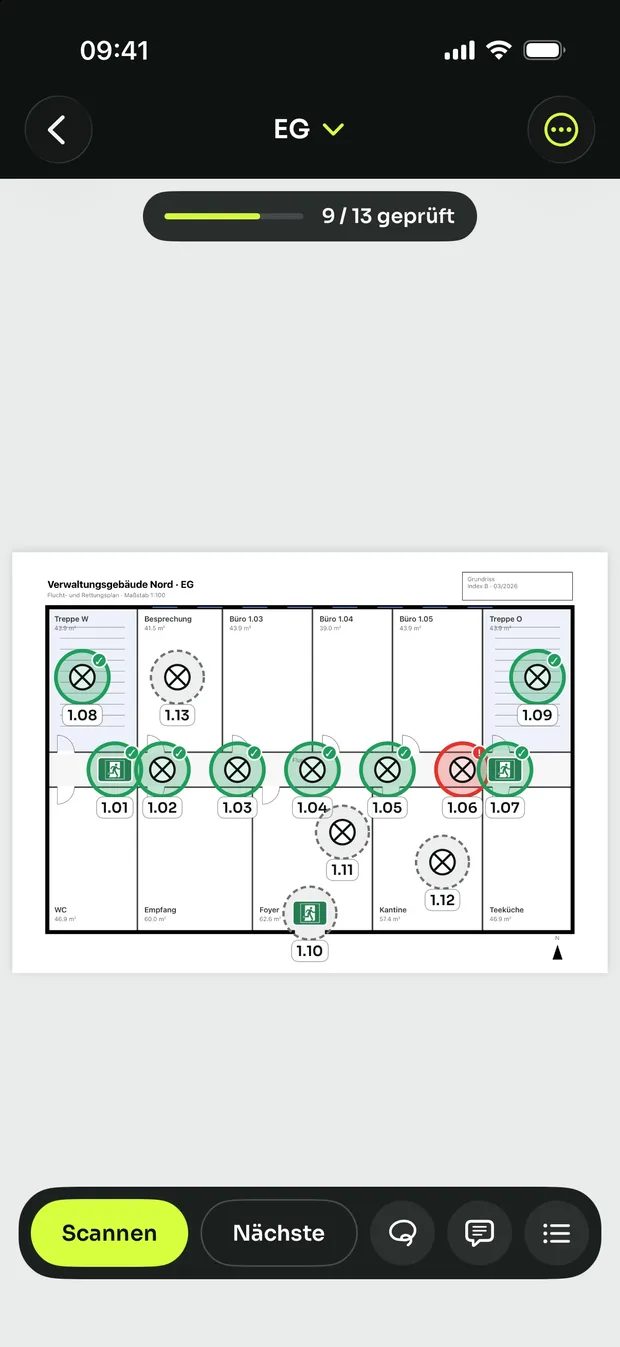
With NOTLUX Wartung you load your existing luminaire list as an Excel file (.xlsx) or CSV straight into the app. The import recognises the quirks of real lists: title rows, floors as sub-headings, merged cells, abbreviations and one sheet per floor. The luminaires then appear at the matching escape plan and are placed with one tap. No plan? Test room by room straight from the list – every luminaire stays individually in the logbook.
How your list becomes a logbook
A typical luminaire list as we see it at customers – with a title row, floors as sub-headings, merged cells and abbreviations. Import it into the simplified demo and test room by room.
Simplified browser view with sample data – the app itself is shown in the screenshots.
What NOTLUX Wartung recognises in your list
Headings above the table are skipped – the app finds the header row itself.
“Basement”, “Ground floor”, “Stairwell north” – sub-headings are recognised as floors or areas.
A room merged across several rows applies to every luminaire below it.
Short codes or full names for safety luminaires and exit signs – both are understood.
If your file has a sheet per floor, every sheet becomes its own floor.
No floor column? The app reads it from the name – “EG-01” becomes the ground floor.
Make, year, remarks: all other columns are stored as additional details on the luminaire.
One row per luminaire with a name is enough. Floor, type and room are optional.
From spreadsheet to finished test
Choose an Excel or CSV file. The app shows what it recognised – floors, rooms, luminaire types.
During the first survey you walk the list on site: mark luminaires not found, add new ones. Then the inventory is right.
With a plan: tap once to place each luminaire, then test on the plan. Without: room by room, “all OK” with one tap, deviations individually.
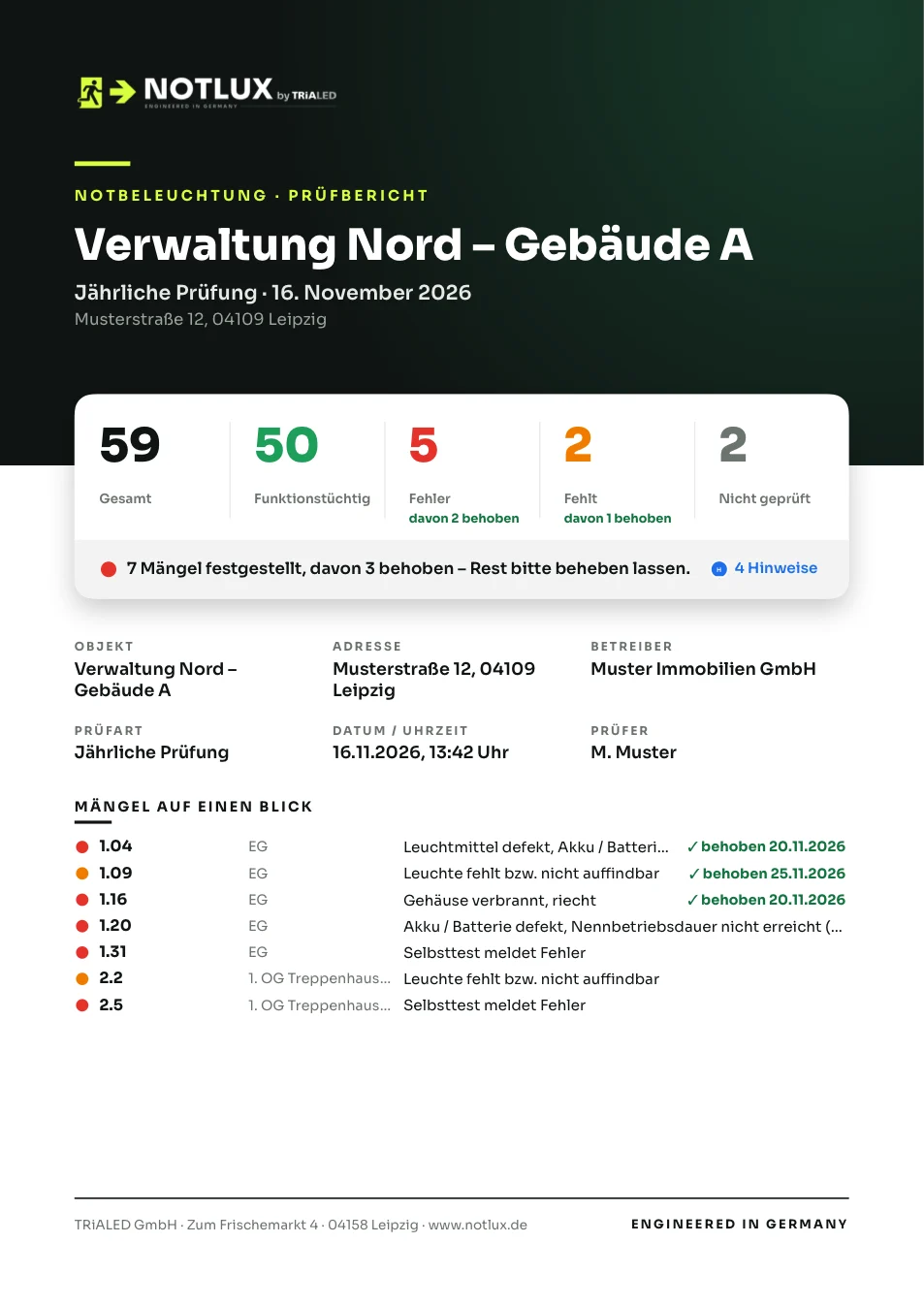
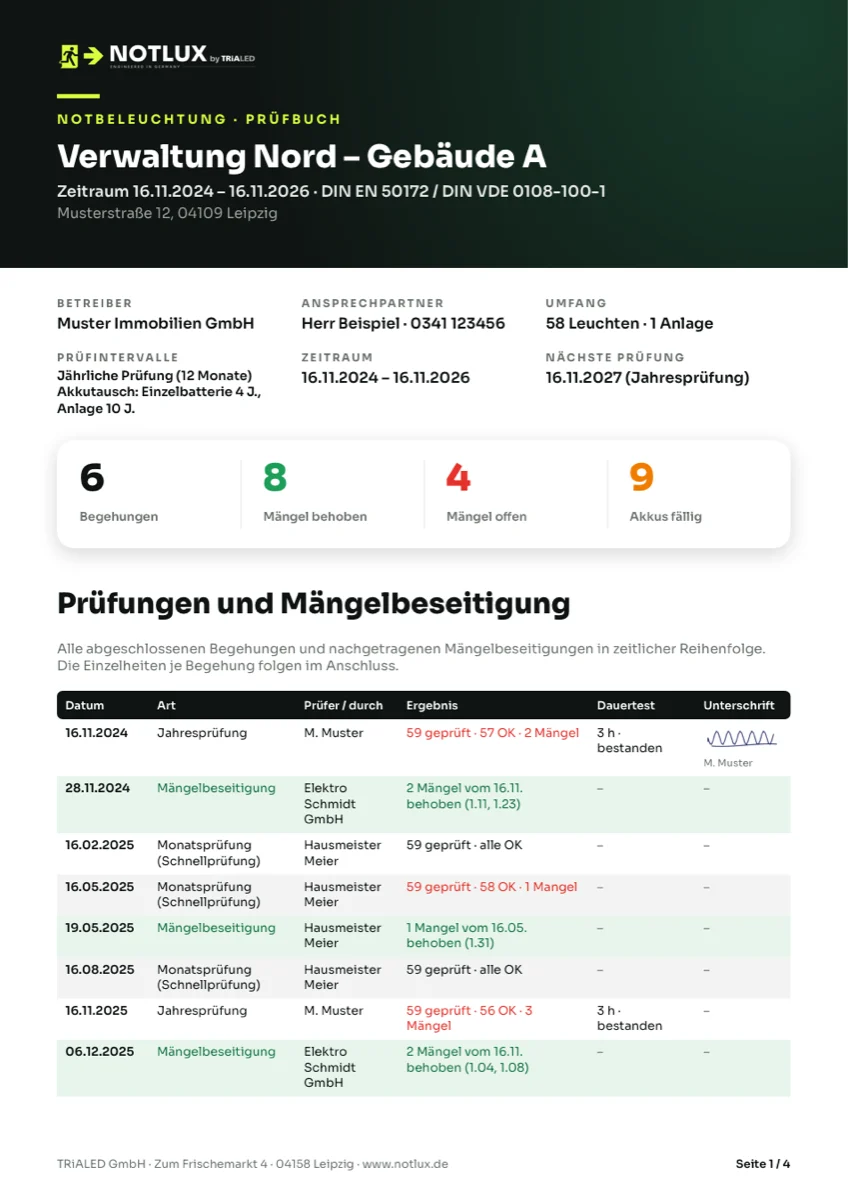
Test report, defect list and logbook as PDF, plus an Excel export of all results – right after the walk-through.
Why a plan does more than a list
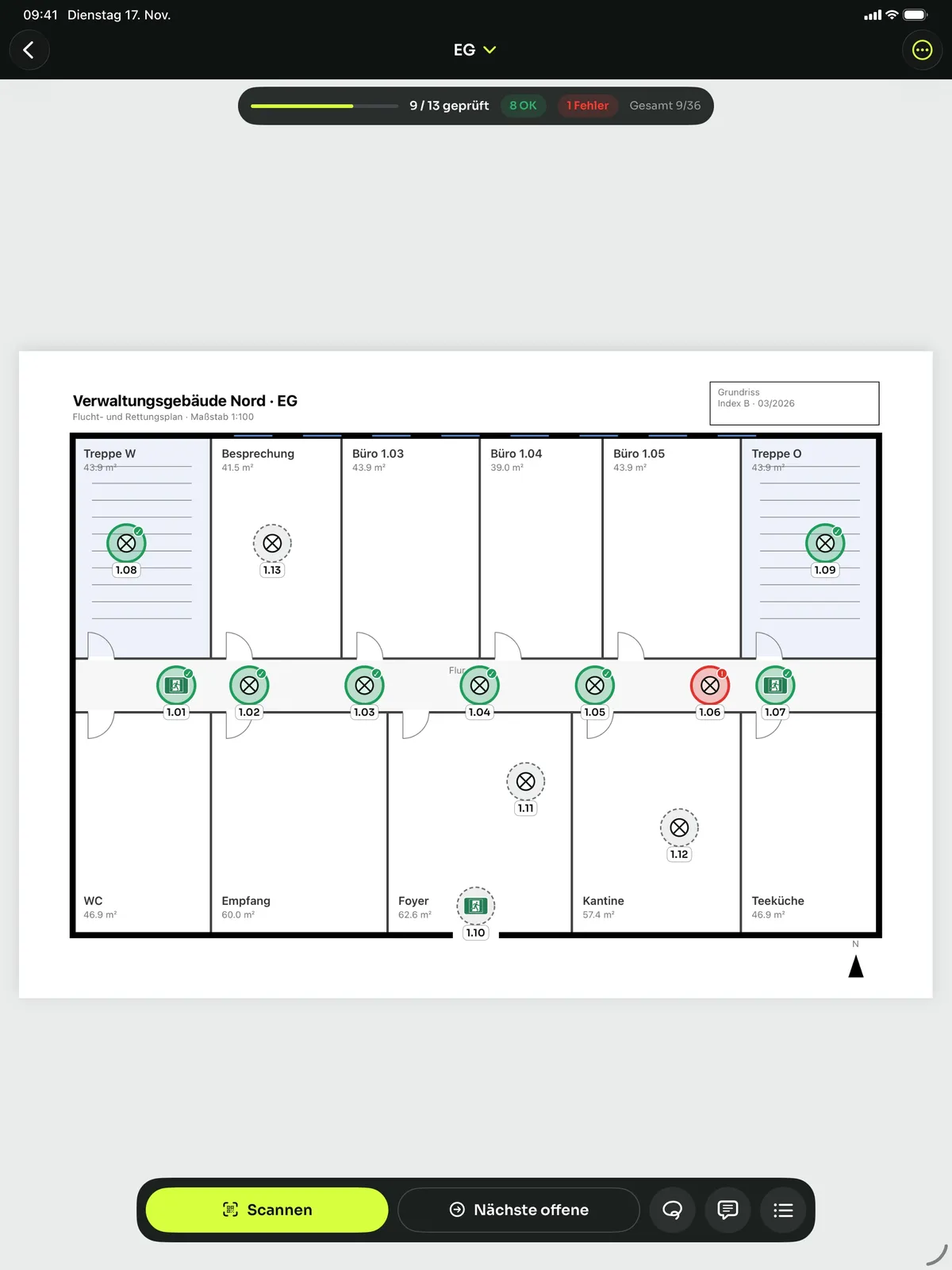
An Excel row says “E.07, corridor, SL”. The fitter in the building still has to search: which corridor, which luminaire? On the plan he sees it at once – with number, type and test status.
As soon as an escape plan is in the project, the imported luminaires appear there and are put in the right place with one tap. From then on everyone in the team tests on the plan – even on their first visit to the building.
No plan? Load a floor plan as PDF, photograph the posted escape plan – or order the plans from NOTLUX directly in the app.
Excel list or visual logbook?
| Task | Excel list only | NOTLUX Wartung |
|---|---|---|
| Find the luminaire in the building | Read room name, search, ask | Tap it on the plan or scan the QR code |
| Record the result | Paper on site, type up in the evening | OK, fault or missing right on site |
| Document defects | Photos somewhere on the phone | Photo on the defect, luminaire circled, with action |
| Several testers | One file – who has the latest version? | Two testers at once, status is synchronised |
| Report | Put together at the desk | PDF at a click, plus Excel export |
| Records over the years | Many files, many versions | One logbook over all years, fire inspection pack |
What you get at the end
Real app output with sample data (German): on the left the test report of one walk-through, on the right the logbook over several years including defect rectification.
Frequently asked questions
Which files can I import?
Excel files in .xlsx format and CSV files. Save older .xls files as .xlsx in Excel first.
Does my list need a particular format?
No. One row per luminaire with a name is enough. Title rows, sub-headings, merged cells and one sheet per floor are recognised. Floor, type and room are optional; other columns are kept as additional details.
Do I need an escape plan?
No. Without a plan you test room by room straight from the list. With a plan you see the luminaires in the building – load it as PDF, photograph it or have NOTLUX create it.
What about luminaires on the list that no longer exist?
During the first survey you check the list against the building: mark luminaires not found and add new ones. That way the inventory is right from the first walk-through.
Can I get my data back as Excel?
Yes. All test results can be exported as an Excel table – in addition to the test report, defect list and logbook as PDF.
Are details like make or year lost?
No. Columns the app does not use for name, floor, type or room are stored as additional details on the luminaire.
Everything about NOTLUX Wartung
See it with one of your sites
In a short online demo we show you NOTLUX Wartung – with one of your Excel lists if you like. Free and without obligation.